
How CNC machining works is easier to understand when you separate three things: the part definition, the instructions sent to the machine, and the physical setup that makes those instructions accurate. A CNC machine does not simply “read a drawing and make a part.” People select stock, plan operations, establish an origin, install tools, prove out the program, and measure the result. This guide explains the motion and control system behind that workflow, then shows buyers where to ask for evidence before approving production.
1. What does the CNC controller actually control?
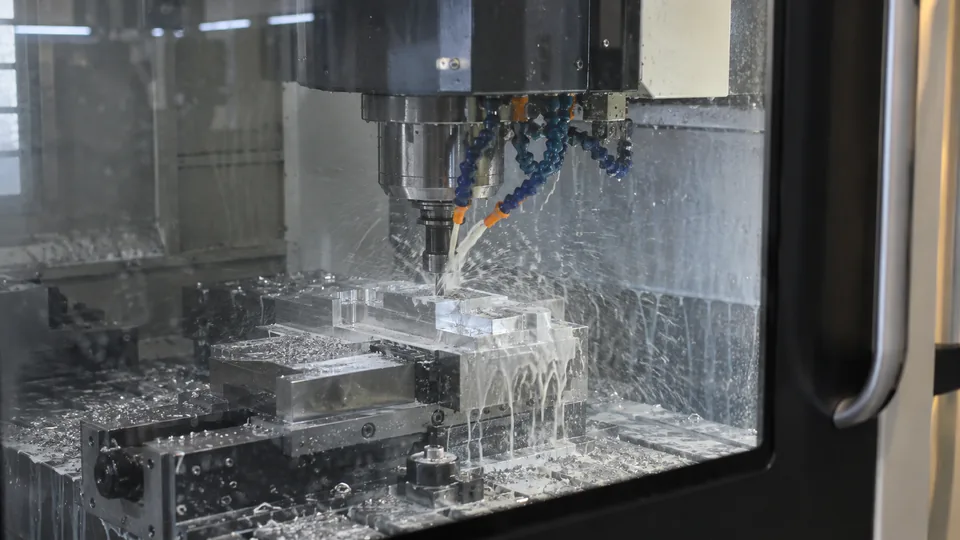
CNC stands for computer numerical control. A controller interprets a program and coordinates machine axes, spindle operation, and auxiliary functions. On a mill, the relative motion between cutter and workpiece creates faces, pockets, and holes. On a lathe, the workpiece usually rotates while a tool moves along controlled axes. The controller can command a path, but it cannot know whether the stock is the specified alloy or whether a fixture has been clamped incorrectly. Those are process controls outside the code.
Think of the program as a repeatable instruction set, not a guarantee of compliant parts. Manufacturing.gov’s CNC overview describes the computer-controlled equipment; the buyer’s drawing still defines what the finished part must meet. For examples of the two routes, compare Vastion’s CNC machining and CNC turning pages.
| Controller input | Machine response | Human check |
|---|---|---|
| Axis command | Moves tool or workpiece | Origin and travel clearance |
| Spindle command | Sets rotation | Correct tool and workholding |
| Tool change | Selects another cutter | Tool identity and offset |
2. How does a drawing become a tool path?
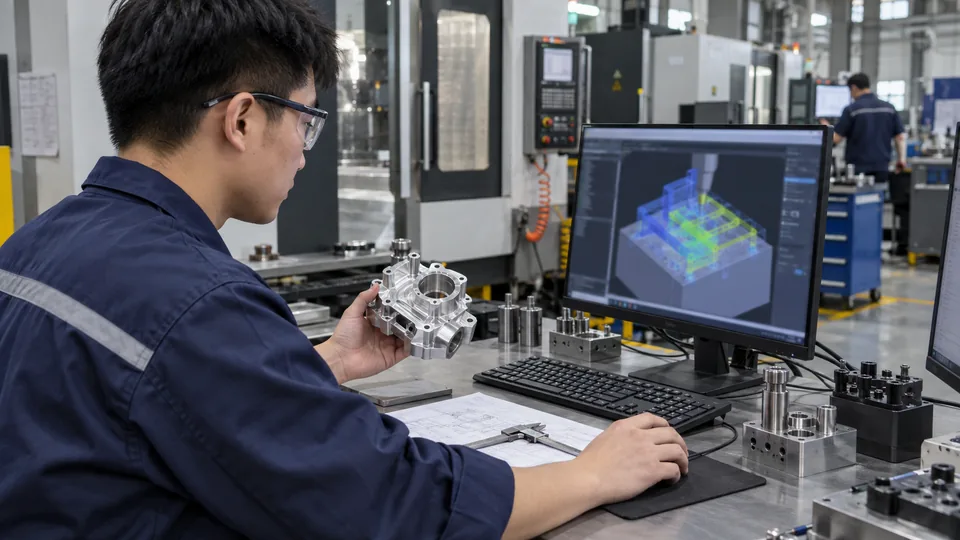
The engineering model supplies geometry. The drawing or approved digital definition adds tolerances, datums, material, finish, and acceptance notes. A programmer uses CAM software to choose stock, cutting tools, machining order, and tool paths. The resulting file is postprocessed for a particular machine and control. A simulation can flag a collision in the virtual setup, but it does not verify the real clamp position, tool length, or raw-material identity.
Ask which revision was programmed and whether an approved design change requires a new program. An RFQ with a model but no controlled acceptance criteria can produce a plausible part that still fails assembly. Manufacturing.gov explains CAM as a bridge from design to automated production; the bridge needs a checked file at both ends.
| Digital item | Purpose | Revision question |
|---|---|---|
| CAD model | Shape and feature positions | Is this the approved version? |
| Drawing | Acceptance requirements | Do notes match the model? |
| Posted program | Machine-specific motion | Was it regenerated after changes? |
3. What are machine axes and coordinates?
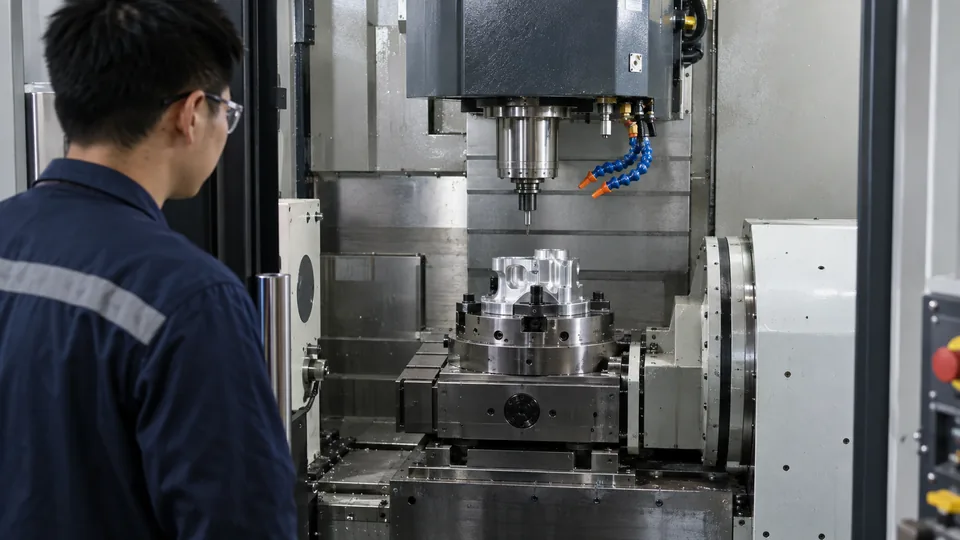
An axis is a controlled direction of motion. Common milling descriptions use X, Y, and Z for three linear directions; additional rotary axes may reorient a part or cutter. A coordinate system tells the machine where a commanded point lies. Machine coordinates relate to the equipment’s reference; a work offset relates the program to the actual fixture and stock. If the work origin is misplaced, the same code can cut a feature in the wrong location.
More axes do not automatically mean tighter accuracy. They can reduce reclamping for geometry that would otherwise require several setups, but only if reach, fixturing, tooling, and measurement support the route. When comparing suppliers, ask which faces are cut in one setup and how features on another face are related to the drawing datums.
| Coordinate term | Meaning | Buyer relevance |
|---|---|---|
| Machine zero | Equipment reference | Used to establish machine position |
| Work zero | Program origin on the setup | Must match stock and fixture |
| Rotary axis | Controlled angular movement | Can expose additional faces |
4. How do motors create controlled movement?
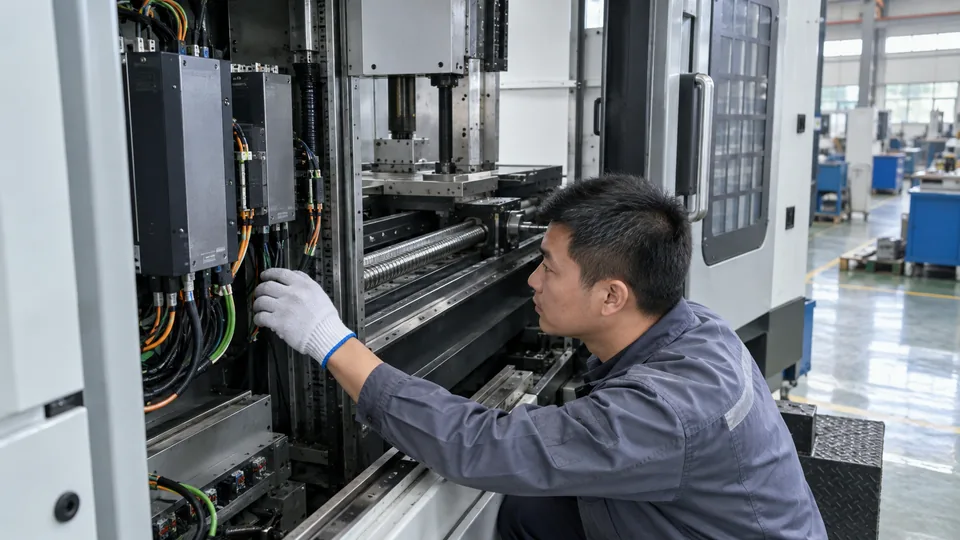
The controller requests axis motion. A drive and motor move the mechanical system; feedback devices report position so the control can compare the actual movement with the command. The machine structure, bearings, screws or linear drives, thermal condition, and cutting forces influence the resulting position. That is why a nominally identical path can behave differently on two machines or after a long warmup. A controller can correct what its sensors detect, but it cannot eliminate every source of deflection at the cutter edge.
For buyers, the practical question is not which motor brand appears on a machine. Ask how the supplier verifies the first part, monitors tool wear, and checks critical dimensions during a run. These controls connect machine movement to an accepted part.
| System | Role | Possible error source |
|---|---|---|
| Drive and motor | Generate axis movement | Following or tuning error |
| Position feedback | Reports measured motion | Calibration or thermal effects |
| Cutting system | Removes material | Tool deflection and wear |
5. Why are tools, speeds, and feeds selected separately?
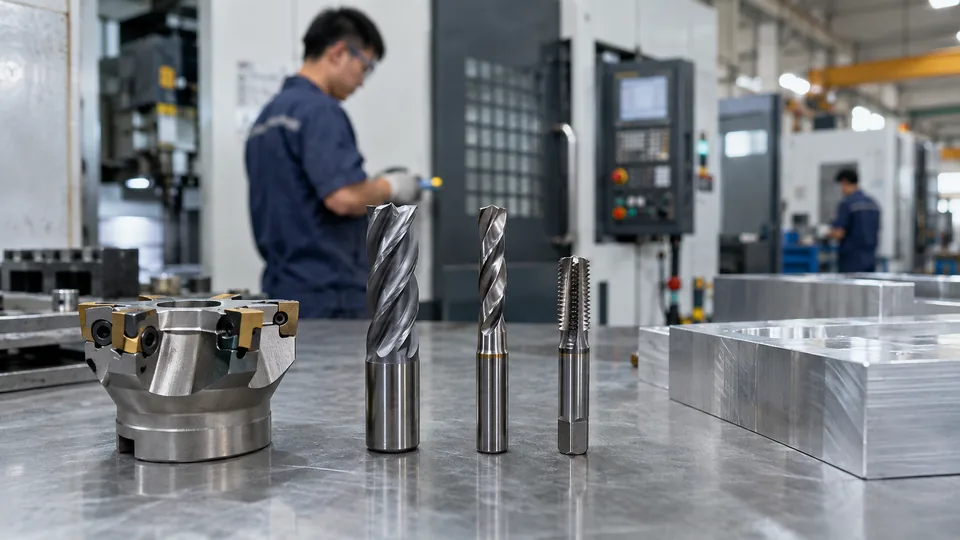
Tool geometry and material are chosen for the workpiece, feature, and required surface. Spindle speed controls rotation; feed controls how the tool advances. Depth of cut, coolant, and chip evacuation also matter. A large roughing cutter can remove stock efficiently but cannot create every small internal radius. A long tool can reach a deep cavity yet may deflect or chatter. Thus the same part often uses several cutters, each assigned a specific job.
A buyer need not prescribe settings unless the application requires them. Instead, identify critical surfaces, burr restrictions, and finish requirements. For cosmetic or protective treatments, discuss machining allowances and masking with the supplier before using Vastion’s surface treatment options.
| Choice | Typical purpose | Tradeoff |
|---|---|---|
| Large end mill | Bulk stock removal | Limited access to small details |
| Small end mill | Fine pockets and radii | Lower stiffness |
| Drill or tap | Holes and threads | Needs correct hole preparation |
6. Why is workholding as important as code?
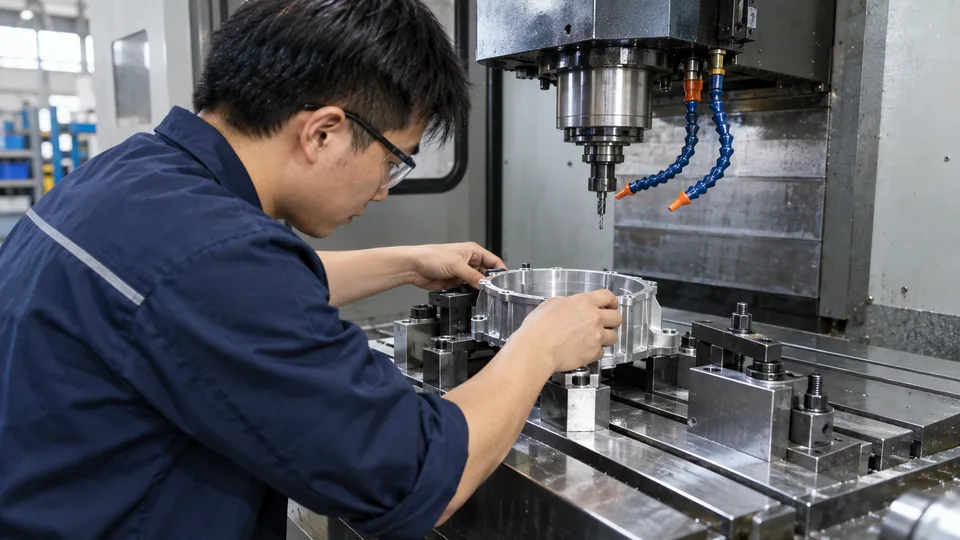
A vise, collet, chuck, or dedicated fixture locates and restrains the stock. The program assumes that location remains stable while the cutter applies force. If a thin part is clamped too hard, it may spring out of tolerance after release. If a chip lies under a datum face, the entire hole pattern may shift. A fixture also needs to keep clamps out of the tool path and allow an operator to load repeat parts consistently.
Ask for the planned setup count and how the shop transfers datums between setups. This is especially important for bores, sealing faces, or mating features on opposite sides. Sometimes another process, such as sheet metal fabrication, is more sensible for a thin enclosure than machining most of a solid block away.
| Holding method | Useful for | Watch point |
|---|---|---|
| Vise | Prismatic stock | Jaw contact and access |
| Collet or chuck | Round stock | Concentricity and grip |
| Dedicated fixture | Repeat or awkward parts | Locating consistency |
7. What happens when the program runs?
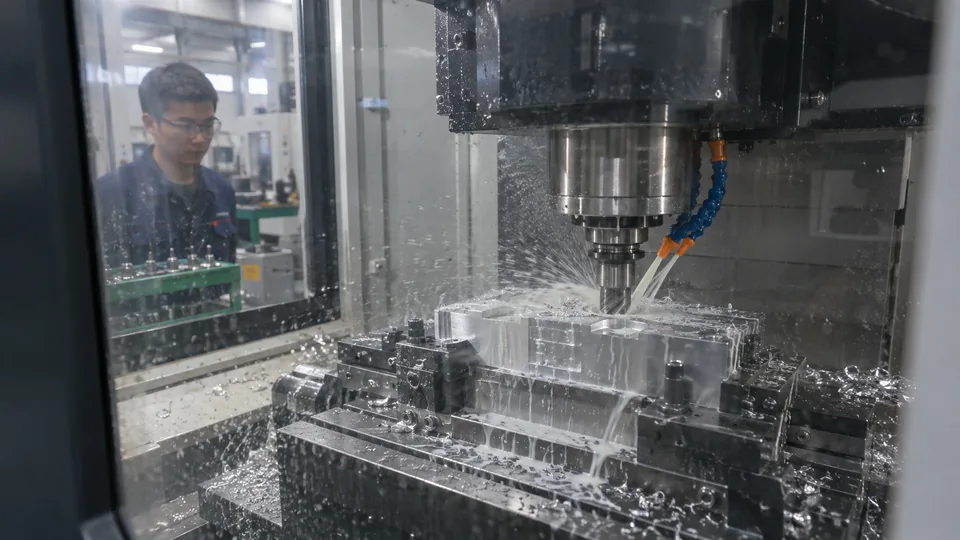
After stock and tools are loaded, the operator verifies program and offsets, then proves out the route under controlled conditions. Roughing removes most excess material; finishing cuts final functional surfaces. Drilling, boring, tapping, or deburring may occur between those stages. The exact order follows geometry and fixturing rather than a universal recipe. An automatic tool change improves repeatability of sequence, but an operator still watches the first run for unexpected vibration, chips, or clearance problems.
A useful production question is: what stops the run if the cutter breaks or dimensions drift? The answer may involve operator checks, probing, tool-life rules, or scheduled inspection. The appropriate level depends on part risk and batch size.
| Run stage | Main aim | Release condition |
|---|---|---|
| Prove-out | Verify real setup | No unsafe motion |
| Roughing | Remove excess stock | Enough finish allowance remains |
| Finishing | Create final features | Measured result meets drawing |
8. How is accuracy checked rather than assumed?
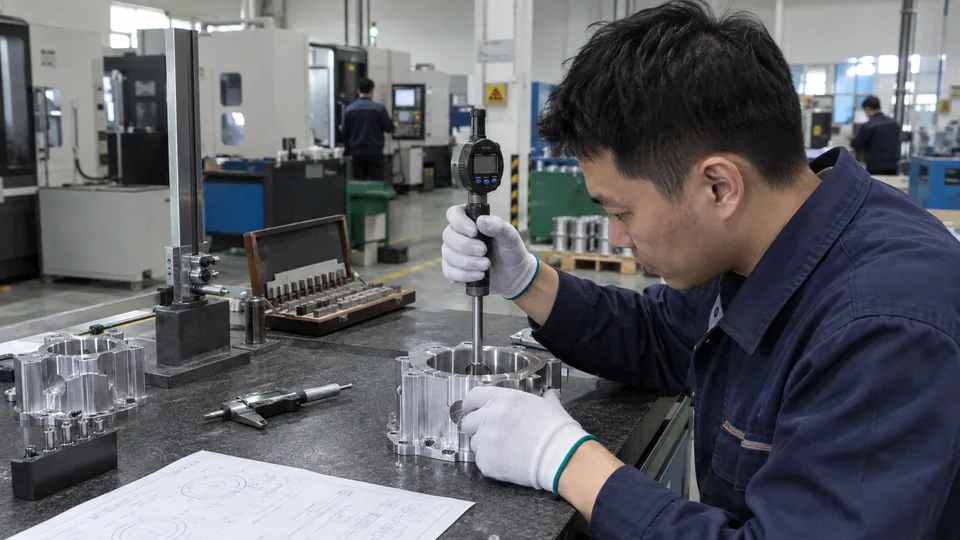
Inspection compares the manufactured feature with the approved requirement. A caliper may suit a noncritical outside size; a bore gauge, micrometer, CMM, or functional gauge may be needed for another feature. Measurement uncertainty and datum setup matter when tolerance is tight. A first-part report can document values before repeat cutting. Later checks should target features likely to change with tool wear, temperature, or fixture loading.
Ask for the measurement method and sampling plan before placing an order. The buyer should distinguish an actual measurement from a machine display or an unverified statement that the program is correct. For sensitive drawings, Vastion’s confidentiality policy can inform the document-sharing discussion.
| Evidence | Shows | Does not prove alone |
|---|---|---|
| Program simulation | Virtual path and access | Real fixture is correct |
| First-part report | Initial measured dimensions | Every later part conforms |
| In-process check | Current process condition | Unmeasured features conform |
9. How do milling and turning differ in practice?
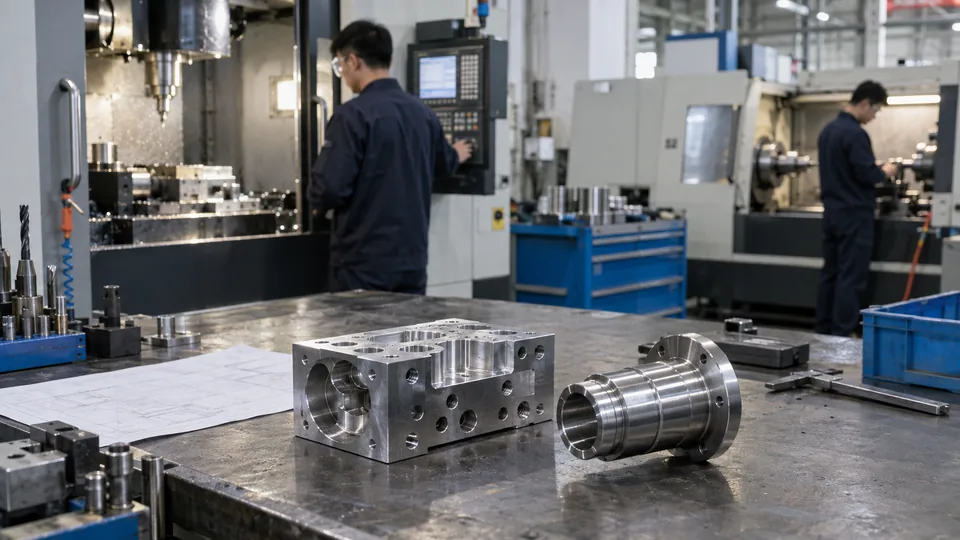
In milling, a rotating cutter commonly moves relative to a held workpiece to produce planar, pocketed, or contoured features. In turning, rotating stock and a cutting tool create cylindrical surfaces efficiently. A shaft with flats and cross-holes may require both operations, possibly on one multitasking machine or through separate setups. The route should be chosen around the dominant geometry, tolerances, and quantity—not merely the machine a supplier happens to own.
For early sourcing, send the same revision to each process reviewer and ask which features drive setup changes. A die-casting route may also be worth evaluating for stable, higher-volume geometry, although tooling and finishing requirements change the economics.
| Part feature | Likely route | Review question |
|---|---|---|
| External cylinder | Turning | How is concentricity held? |
| Deep pocket | Milling | Can the tool reach and evacuate chips? |
| Mixed geometry | Combined route | How are datums transferred? |
10. What should a buyer specify in the RFQ?
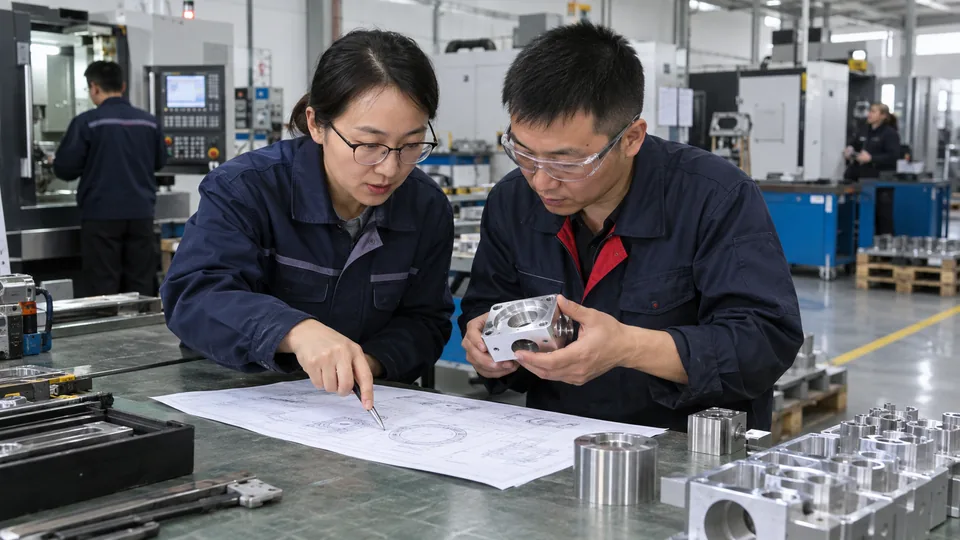
State the material grade and condition, controlled model and drawing revision, quantity, required finish, critical dimensions, and inspection evidence. If the part interfaces with another component, mark that relationship rather than calling every dimension “critical.” For repeat orders, agree on how a drawing change, machine transfer, or material substitution triggers another first-part review. This makes the supplier’s quotation more useful and reduces surprises after parts are made.
Include delivery and packaging requirements, especially for sealing faces or cosmetic surfaces. Vastion’s industries page shows the breadth of applications, but your RFQ must define the specific function. Send the current file package through the contact page and ask the supplier to identify assumptions in writing. The approved drawing—not a generic capability list—remains the acceptance basis.
Frequently asked questions
Does CNC machining work without an operator?
A machine can execute a program automatically, but people still plan the route, set up stock and tools, validate the first part, and respond to process changes.
Is G-code the same as a CAD model?
No. CAD defines geometry; machine code commands motion and functions after process planning and postprocessing.
Does a five-axis machine make every part more accurate?
No. Extra axes may reduce setups or improve access, but accuracy still depends on workholding, calibration, tools, thermal condition, and inspection.
Why can the first part pass and later parts fail?
Tool wear, fixture loading, temperature, or a changed setup can shift results. In-process checks should address the relevant risks.
What files should I send for a quote?
Send a current 3D model, controlled drawing, material and finish specifications, quantity, delivery needs, and any required inspection records.
